1
Profile URL
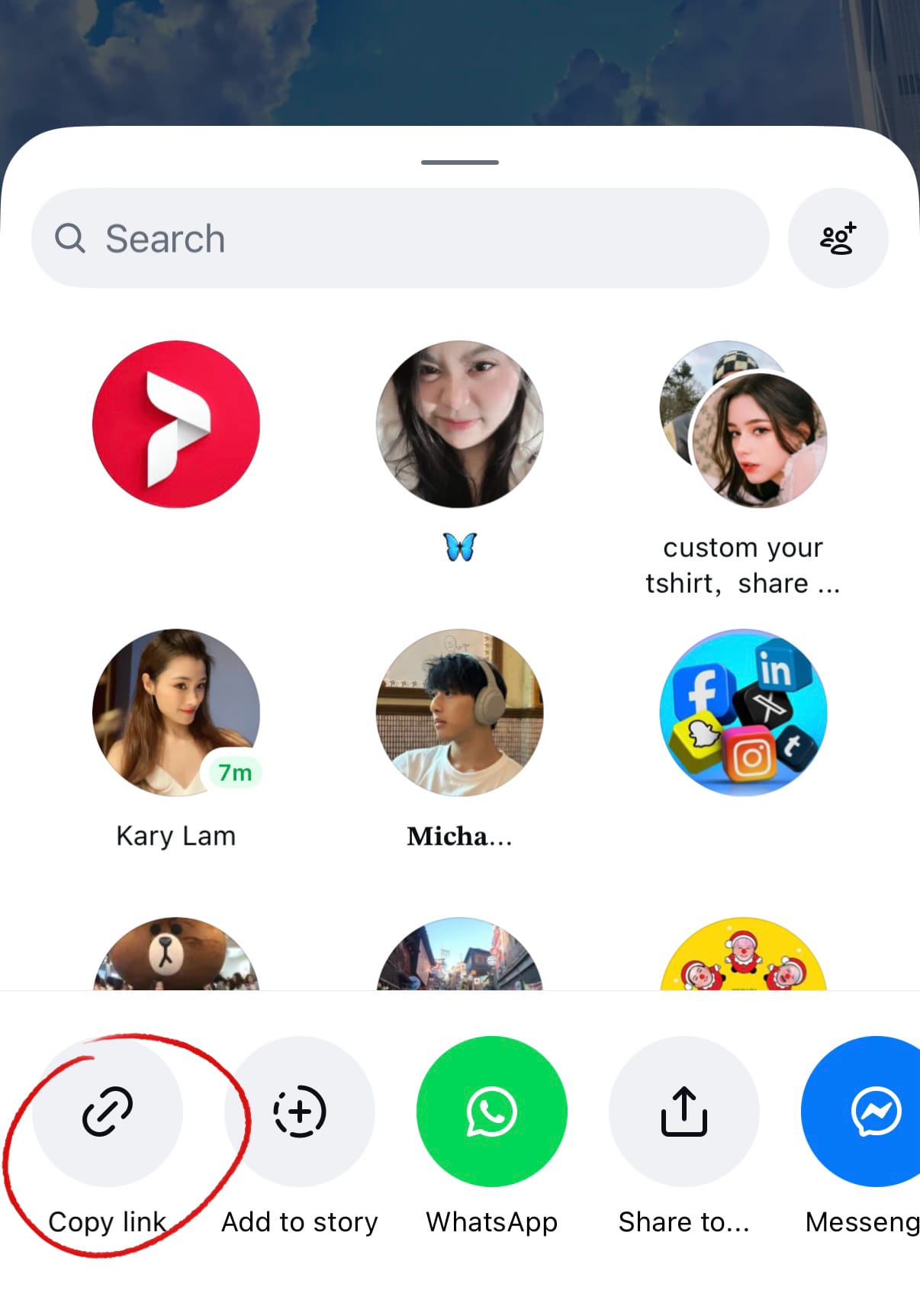
Open the Instagram app, go to your profile page, tap the menu icon in the top right corner, and copy your profile link. This is the URL needed for follower and profile-based services.
2
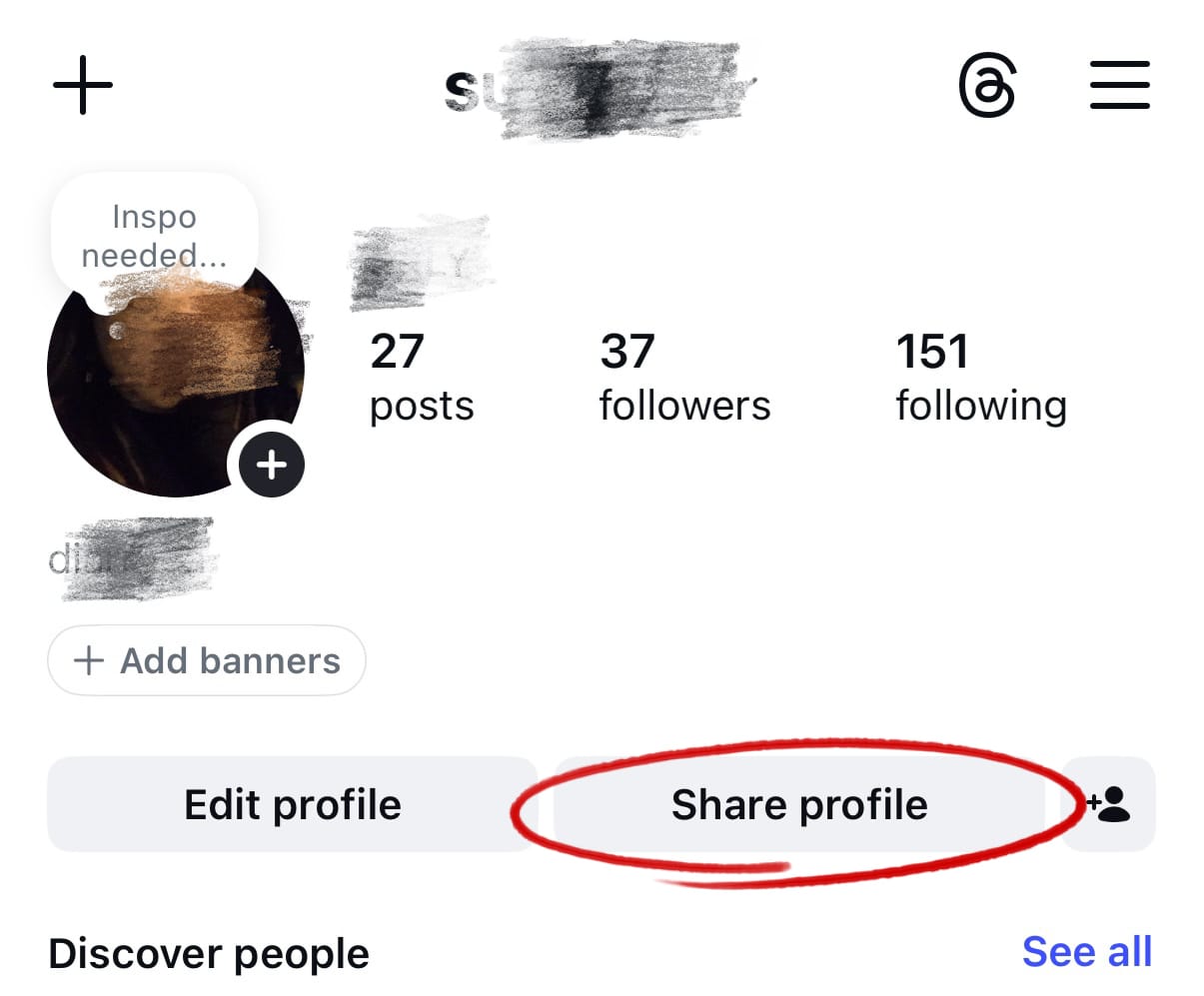
Profile URL
Your Instagram profile URL looks like instagram.com/yourusername. Copy this link and paste it when placing your order.
3
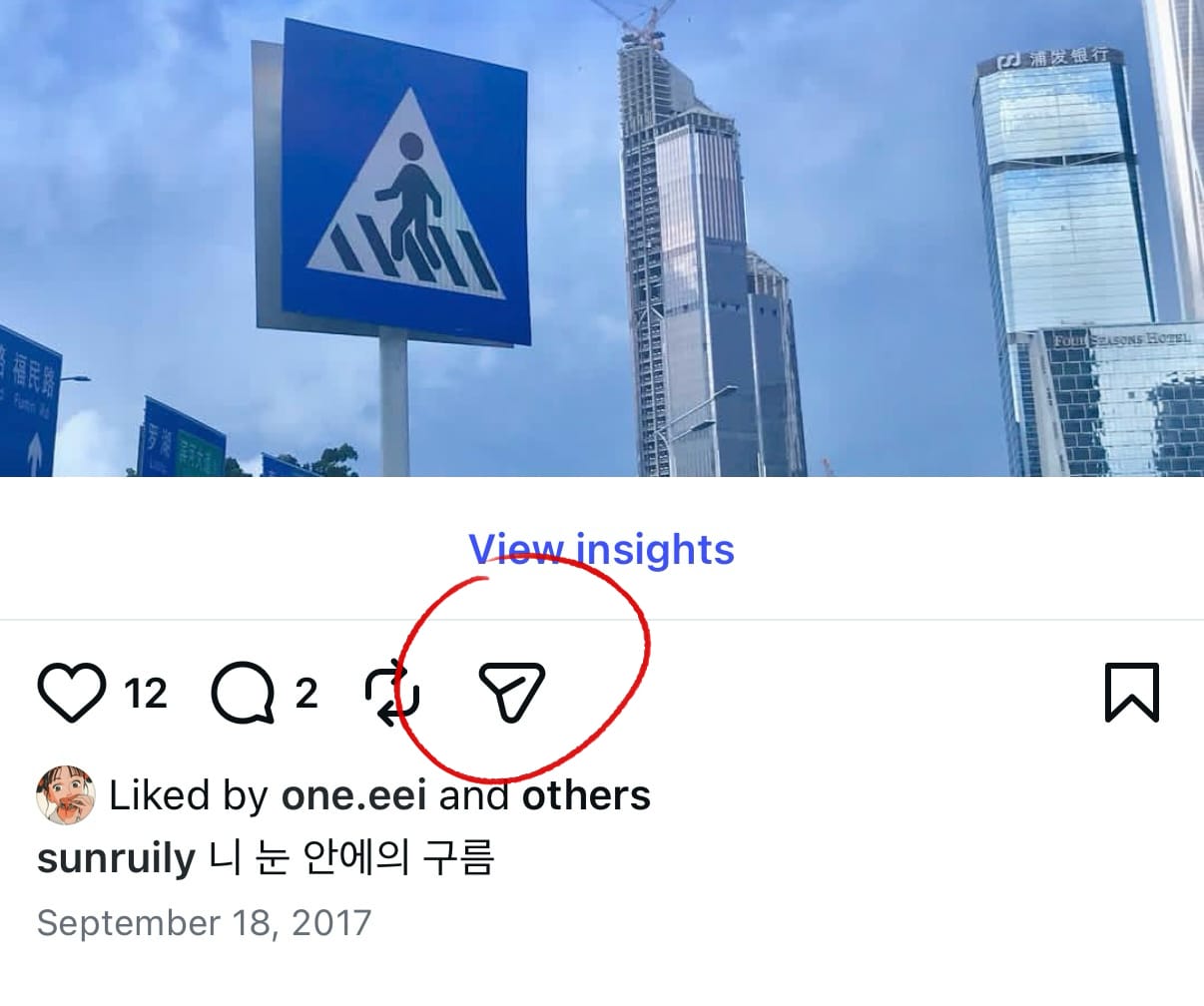
Instagram Post URL
For likes, views, and comment services, you'll need a specific post URL. Open the Instagram post and tap the share button (paper airplane icon) below the post to open the sharing options.
4
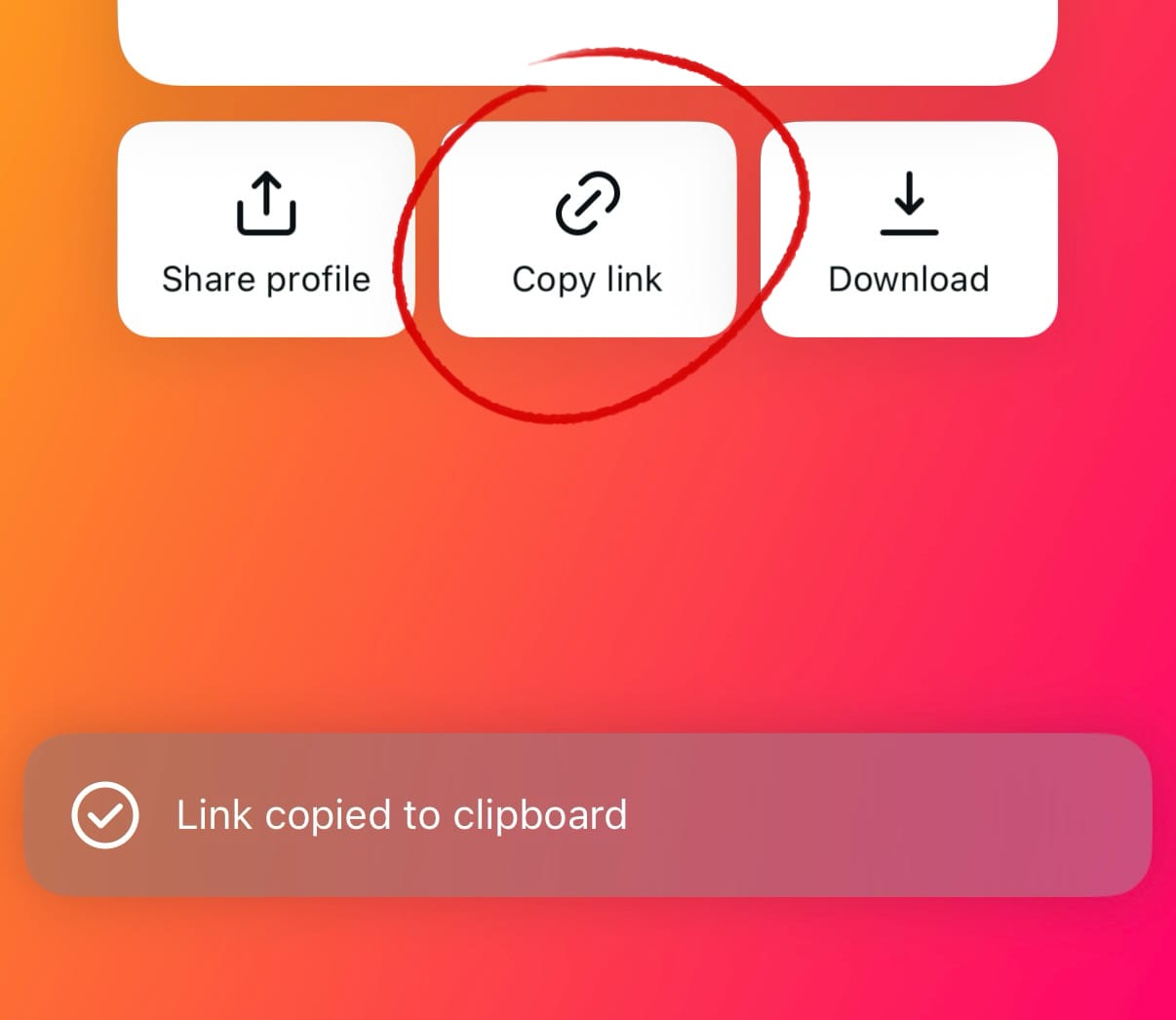
Instagram Post URL
From the share menu that appears, tap "Copy Link" to copy the post URL to your clipboard. Paste this URL into the order form when placing your order.